
Errors on UK credit reports happen more often than most people realise — and even small mistakes can affect your ability to get a mortgage, a loan, or a mobile contract. With millions of records flowing between lenders, courts, and the three UK credit reference agencies every month, misreported payments, mixed-up identities, and outdated entries are a regular fact of the system.
The good news is that spotting errors isn't complicated. You have a statutory right to check your credit file, and once you know what each section is supposed to show, the things that don't belong tend to stand out. Here's a practical walkthrough of how to check your credit file and what to look for in each area.
Why errors happen in the first place
Credit reports are built from data submitted by lenders, courts, and other organisations — and fed into the three UK credit reference agencies (Experian, Equifax, and TransUnion). With millions of records flowing in every month, things sometimes go wrong. Common causes include:
- Human error when data is typed or transferred between systems
- Timing mismatches — a payment made on time but recorded late
- Mixed files — someone with a similar name or address getting attached to your record
- Identity fraud — an account opened in your name without your knowledge
- Out-of-date data that should have been removed but hasn't been
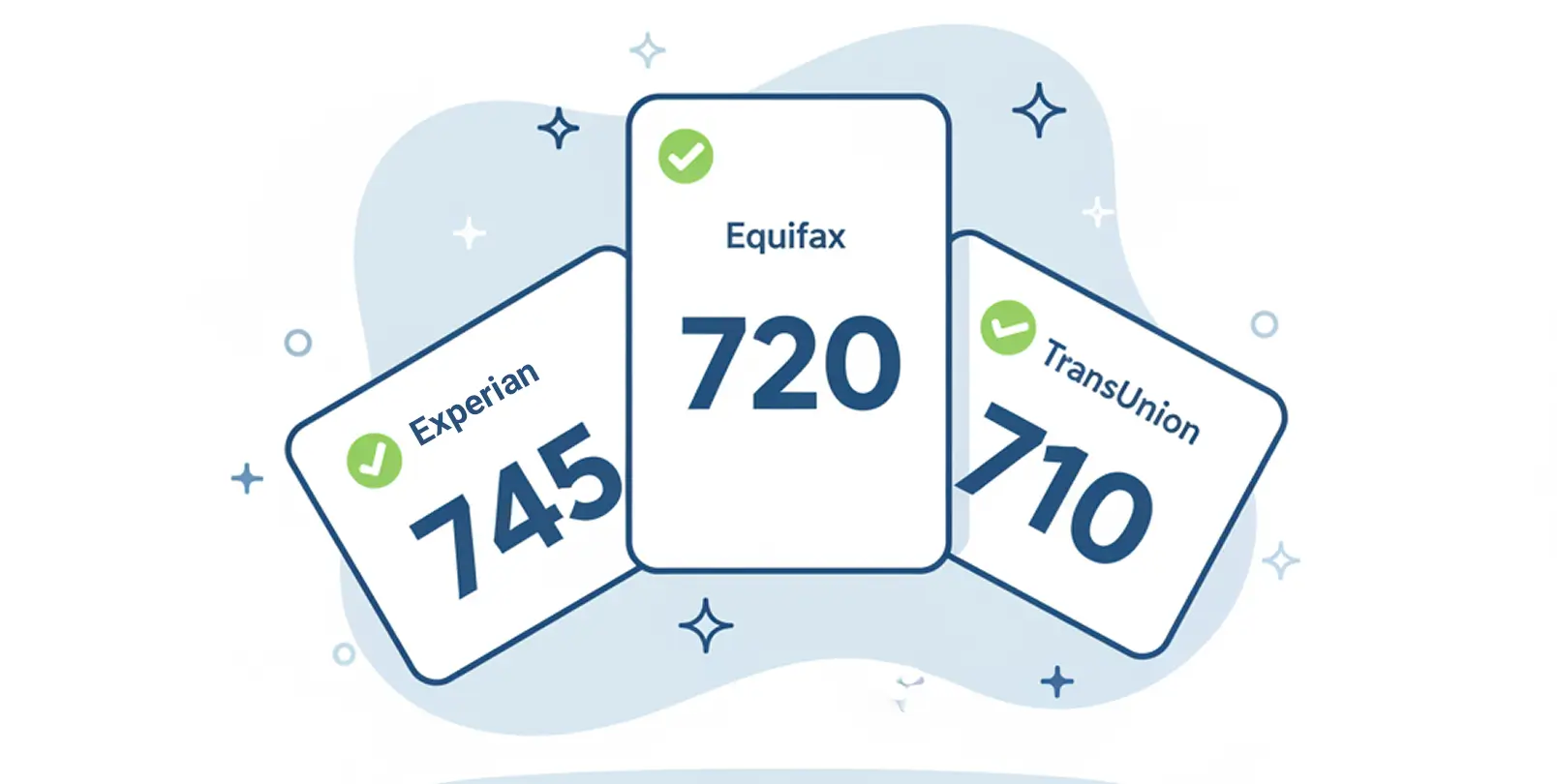
Each of the three credit reference agencies holds its own version of your file, built from data submitted to them specifically. That means an error on your Experian file might not appear on your Equifax or TransUnion file, or vice versa. Checking all three is the only way to get a complete picture.
Start with your personal details
This is the quickest section to check, and it's where a surprising number of errors live. On each credit report, confirm:
- Your full name is spelled correctly and matches the name lenders know you by
- Your date of birth is right
- Your current address and any previous addresses from the last six years are listed, with accurate move-in and move-out dates
- You're linked to the electoral roll at your current address (this is one of the factors that can affect your credit score)
If your name is wrong, an address is missing, or an address is listed that you've never lived at, note it down. An unfamiliar address in particular can be a sign of a mixed file or, in rarer cases, identity fraud.
Check your account information line by line
This is the longest section of your report and where most errors turn up. Each credit account you have — or have had in the last six years — will show:
- The lender's name
- The type of account (credit card, loan, mortgage, overdraft, etc.)
- The date opened, and the date closed if applicable
- The balance and credit limit
- The monthly payment status for each of the last several years
Things to check carefully:
Accounts you don't recognise.
Any credit agreement you don't remember opening is worth investigating. Start by checking with your bank or card provider — it may be an account you've forgotten about (a store card from years ago, for example). If it genuinely isn't yours, that's a serious red flag for potential identity theft.
Payment markers that don't match your records.
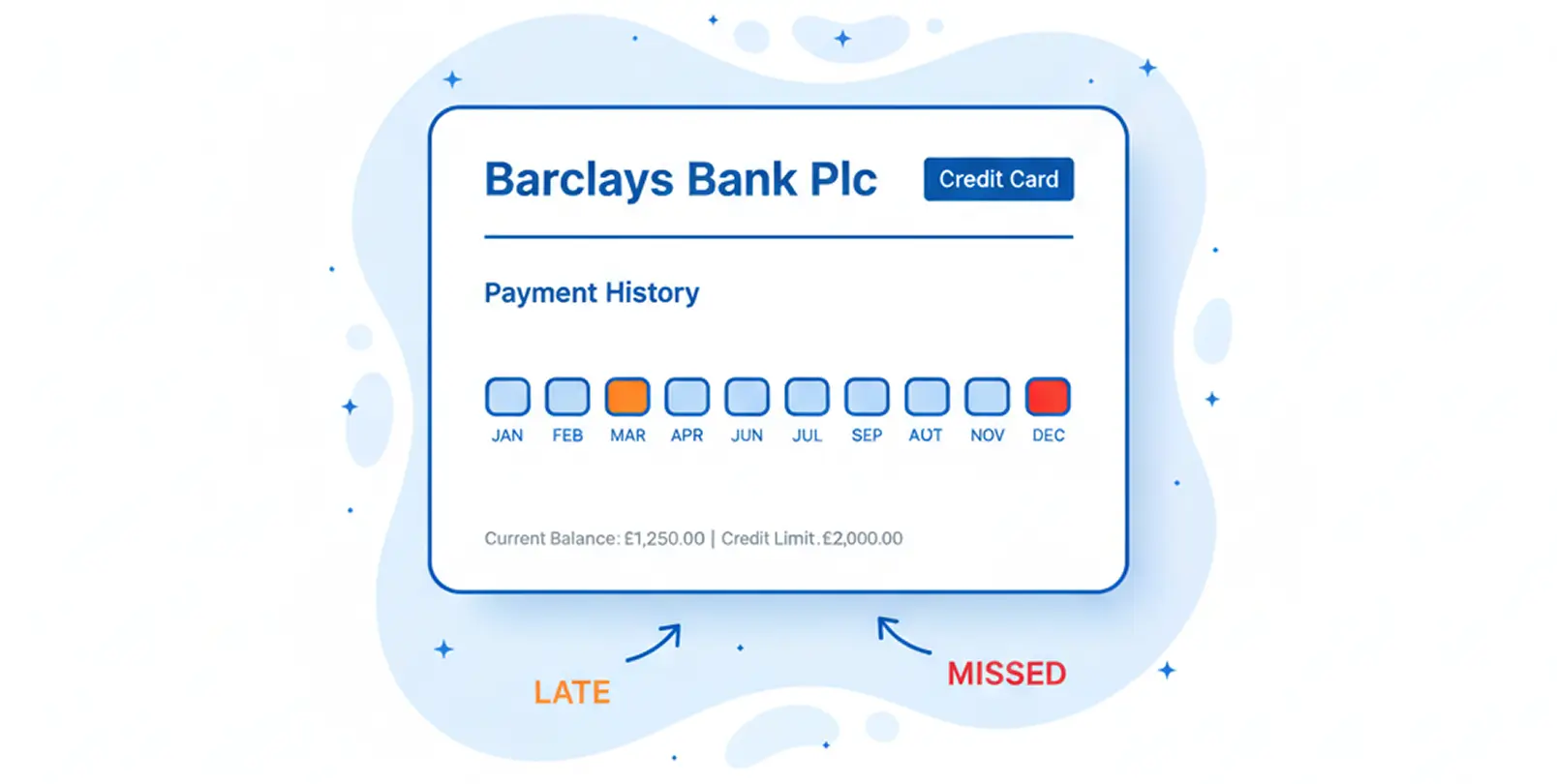
Each month's payment status is shown as a number or symbol. A "1" typically means one month late, a "2" means two months late, and so on, while "0" or "OK" means paid on time. Cross-check a few months against your own bank statements. Misreported late payments are one of the most common types of error.
Closed accounts still showing as active.
If you closed a credit card or paid off a loan, it should be marked as "closed" or "settled." Accounts stuck in an "active" state long after you've closed them can affect how lenders view your total available credit.
Balances that look wrong.
If a credit card balance is listed higher than what you actually owe, that's a reporting delay at best and an error at worst. Balances update monthly for most accounts, so a lag of one reporting cycle is normal — anything beyond that is worth querying.
Review the public records section
The public records area covers County Court Judgments (CCJs), Individual Voluntary Arrangements (IVAs), bankruptcy records, and decrees in Scotland. Each entry should show:
- The date the order or arrangement started
- The amount involved (for a CCJ)
- Whether it's been satisfied
Look for:
- CCJs you don't recognise (these can be registered without your knowledge if the claim was sent to an old address)
- CCJs marked as unsatisfied when you've actually paid them
- Any record that should have dropped off after six years but hasn't
If you find a CCJ you didn't know about, it's worth acting quickly — there's a one-calendar-month window from the judgment date in which you can pay in full and have the CCJ removed from the register entirely.
Check the search footprint section
This section shows who has checked your credit file and when. You'll see two types of search:
- Hard searches — recorded when you formally apply for credit. These are visible to other lenders.
- Soft searches — not visible to other lenders and don't affect your score. Your own checks appear here.
Look for hard searches you didn't authorise. An application for credit you never made is another potential sign of identity fraud, particularly if it's recent.
Compare your reports from all three agencies
Because each credit reference agency holds its own version of your file, it's worth checking all three. You have a statutory right to a free credit report directly from each:
The statutory report gives you the raw data each agency holds, and it's the free route every consumer is entitled to. If you find an error on one report, check the others for the same issue — it may only appear on one, which affects how you raise the dispute.
If you'd prefer a single, consolidated view of your credit report, along with ongoing monitoring and guided help to raise disputes, UK Credit Ratings offers a 14-day trial that covers all of this in one place. You don't need to pay to check your credit report or dispute errors — the CRAs' statutory routes above remain free.
Start your free trialAfter the 14 day trial, there will be a fee which is applied unless cancelled. At signup you will get to review all the terms. You can cancel your trial at any time during or after via your account or by contacting our support team.
What to do when you find an error
Once you've identified something that looks wrong, the next step is raising a dispute with the credit reference agency reporting the data. The CRA is legally required to investigate and either correct the entry, remove it, or explain why they consider it accurate. Note that only genuine errors can be corrected this way — accurate negative information stays on file for its full retention period, whatever route you use to check it. See our guide on what can and can't be removed from your credit report for more detail.
If the error is the kind that might indicate fraud — an unrecognised account, an unauthorised hard search, or a CCJ you had no idea about — it's worth reporting it to Action Fraud as well.
FAQ
How often should I check my credit report for errors?
A good rule of thumb is once every three to six months. Checking more frequently isn't usually necessary unless you're actively preparing for a mortgage or major credit application, in which case monthly checks in the lead-up are sensible.
Does checking my own credit report affect my score?
No. Checking your own credit report does not affect your score — it's recorded as a soft search, which is only visible to you.
What's the difference between a mistake and an outdated entry?
A mistake is inaccurate data — a late payment that was actually paid on time, for example. An outdated entry is accurate data that should have been removed because it's past the six-year retention period. Both can be raised with the CRA, though outdated entries are usually corrected faster.
Can someone else's information end up on my credit report?
Yes, and it's called a mixed file. It usually happens when two people share a very similar name and address history, and their records get crossed. Mixed files are relatively rare but can be significant when they happen — raise a dispute with the CRA if you suspect this has happened to you.
What if the lender says the data is correct but I disagree?
You can ask the CRA to add a "notice of correction" to your file — a short statement of up to 200 words explaining your side of the dispute. Lenders reviewing your file will see this alongside the disputed entry. It doesn't change the data, but it gives context to anyone making a lending decision.
Learn more about how long negative information stays on your credit report and how to raise a dispute. For a full overview of your options, visit our guide to Disputing Errors on Your Credit Report.